Protected Plays
Protected Plays give your Lineup a backup if your picks don’t hit. Opt in, make your picks, turn on the Protected Play, and if your Lineup doesn’t win, you’ll get a Bonus Lineup equivalent to your losses.
.avif)
Miss Your Picks? They’re Protected.
Find Protected Play in the Rewards tab of your PrizePicks app and opt in.
Before you submit your Lineup, tap the check box to turn on your Protected Play before you submit.
If your Lineup wins, you’ll get the standard payout. If it misses, or wins back less than your entry, you’ll receive a Bonus Lineup equivalent to your losses to use for your future picks.
Step 1
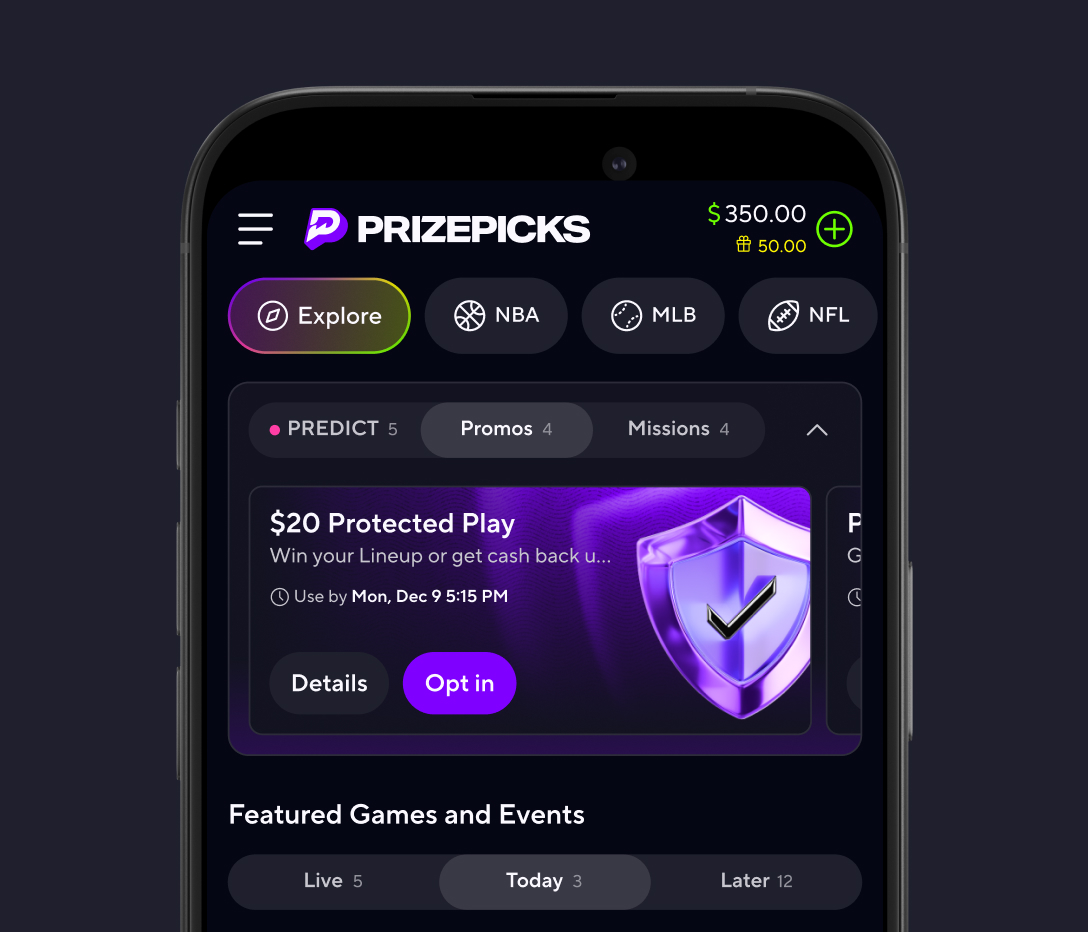
Go to the Rewards tab in the PrizePicks app.
Look for live Protect Play promo offers and tap Opt In if available.
Step 2
Build your Lineup.
Pick your players, choose More or Less, and build to match the Protected Play requirements.

Step 3
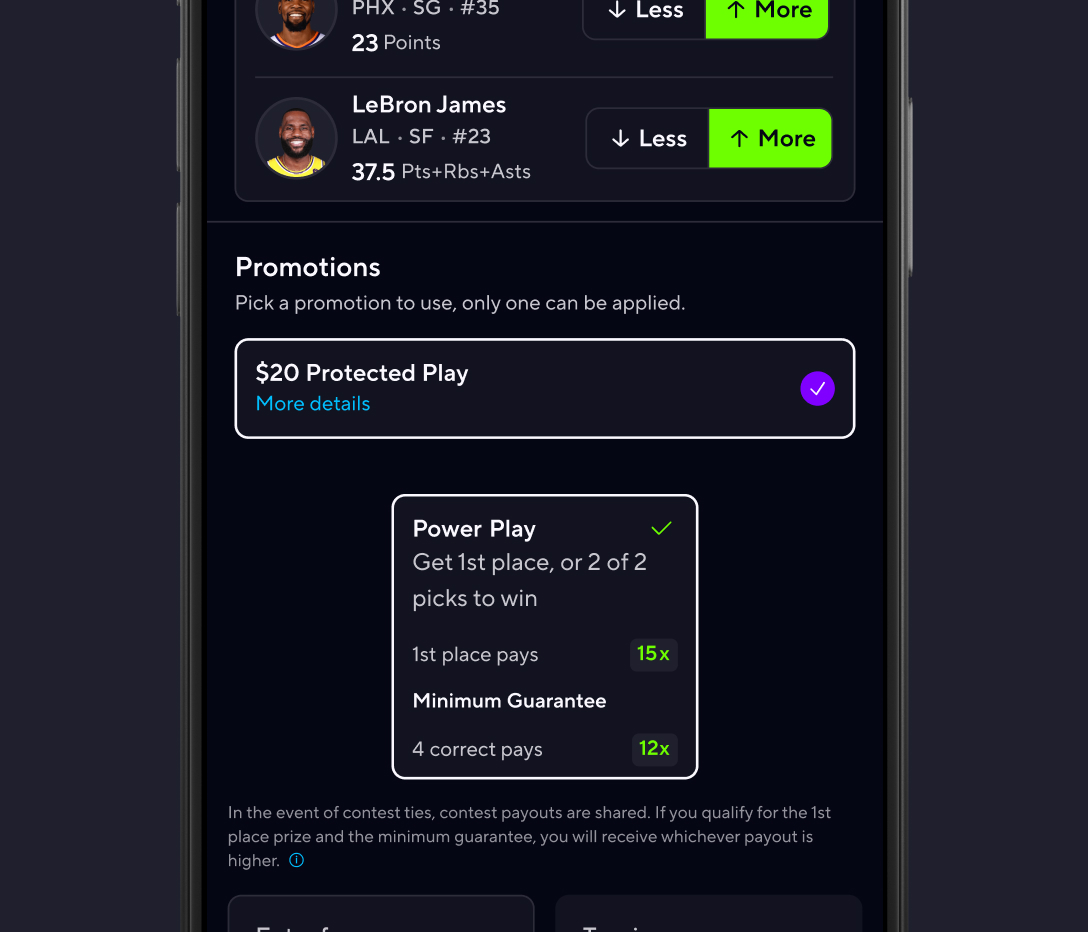
Turn on your Protected Play.
Before you submit your Lineup, make sure your Protected Play is activated.
Step 4
Miss your picks? Run it back.
If your Lineup misses or wins less than your entry fees, you’ll get a Bonus Lineup equivalent to your losses, eligible to use on any Lineup.

Protected Plays live in the Rewards tab in the PrizePicks app. Tap Opt In, then stack your Lineup with your favorite picks, and turn on the Protected Play option before submitting.
You’ll get a Bonus Lineup with an equivalent value to your net losses, so you can run it back.
You receive a normal payout. Protected Plays only come into play if your Lineup misses or wins back less than your entry.
Not always. Each Protected Play has its own requirements listed in the Rewards tab, so check the details before you build your Protected Play Lineup.
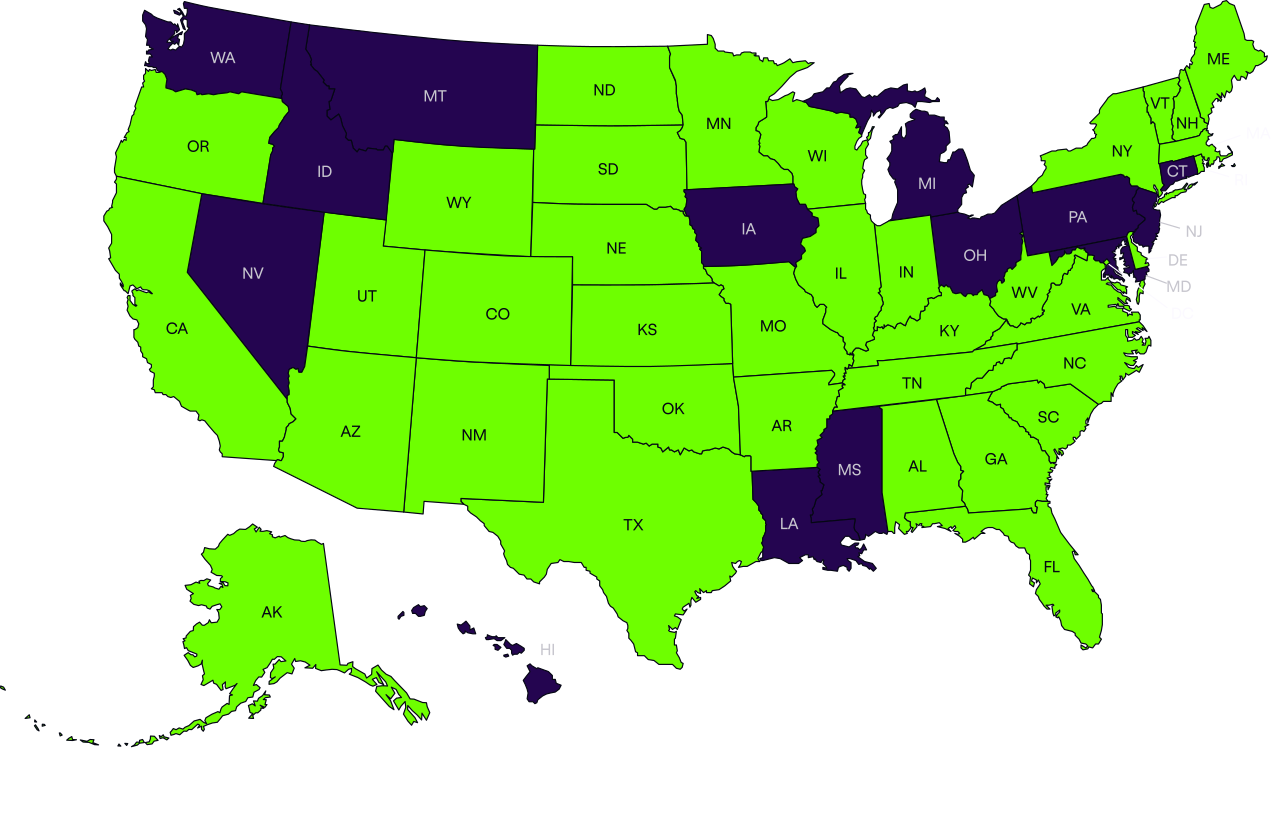
PrizePicks is available in all 50 states
Download the No. 1 sports picks app and Run Your Game today.

Learn more about how to play PrizePicks here. Only F2P Available in NV.
Learn more about Player Picks here
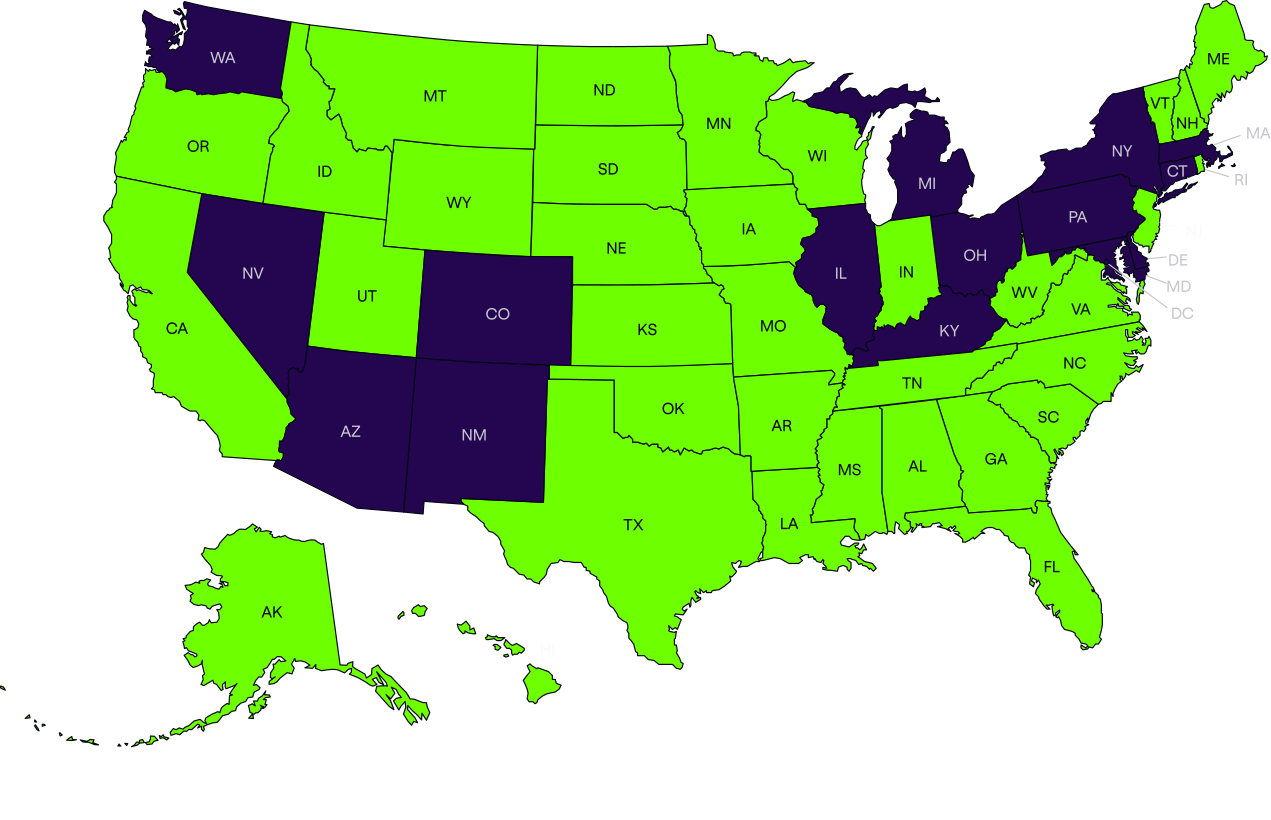
Learn more about Team Picks here
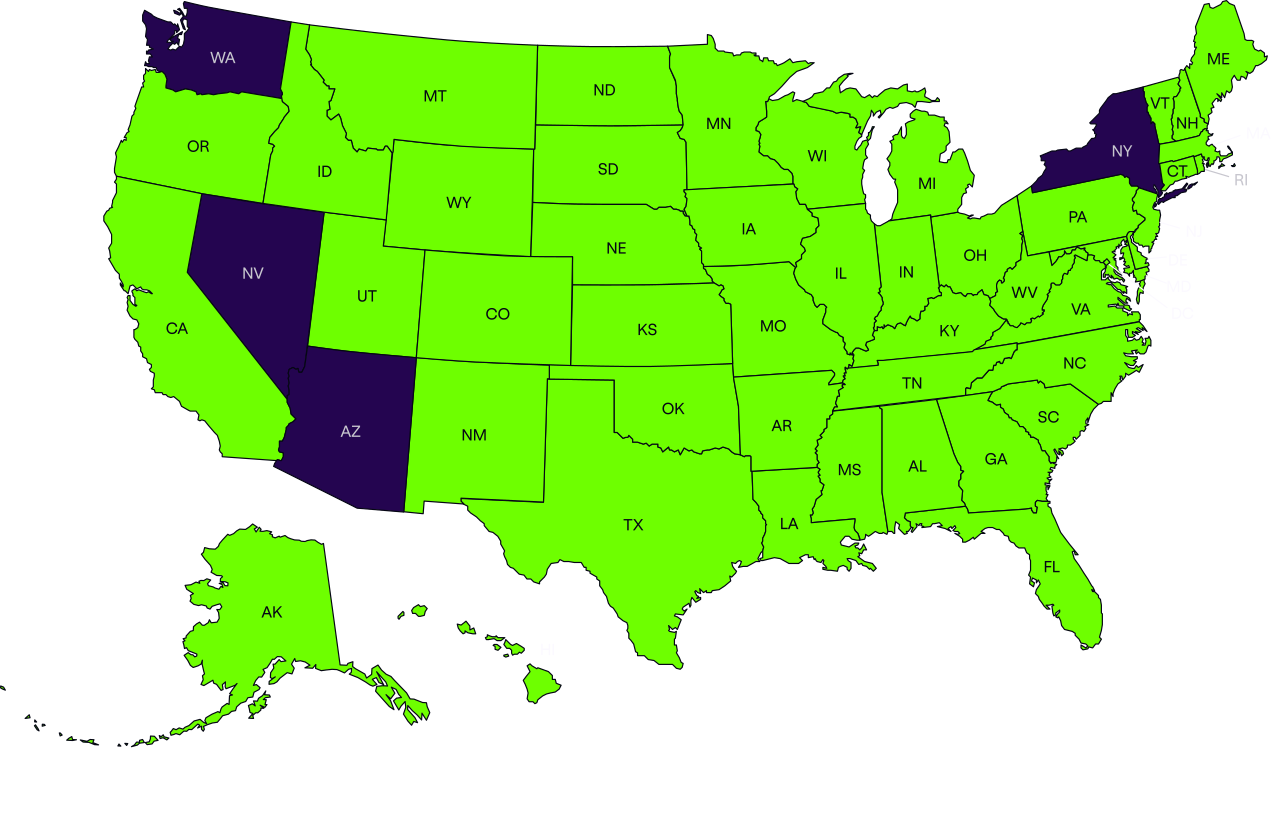
Learn more about Culture Picks here


.avif)